
XE 기본레이아웃인 xedition을 약간 수정해서 사용할려고 하는데요
/layouts/xedition/css/layout.css 942줄에서
@media all and (max-width: 479px) { body, html { min-width: 100%; }
빨간색부분 코드를 지우면 제가 작성한 위젯코드들의 css가 정상작동을 합니다.
근데 지우면 content 부분의 가로폭이 전체화면을 차지합니다.
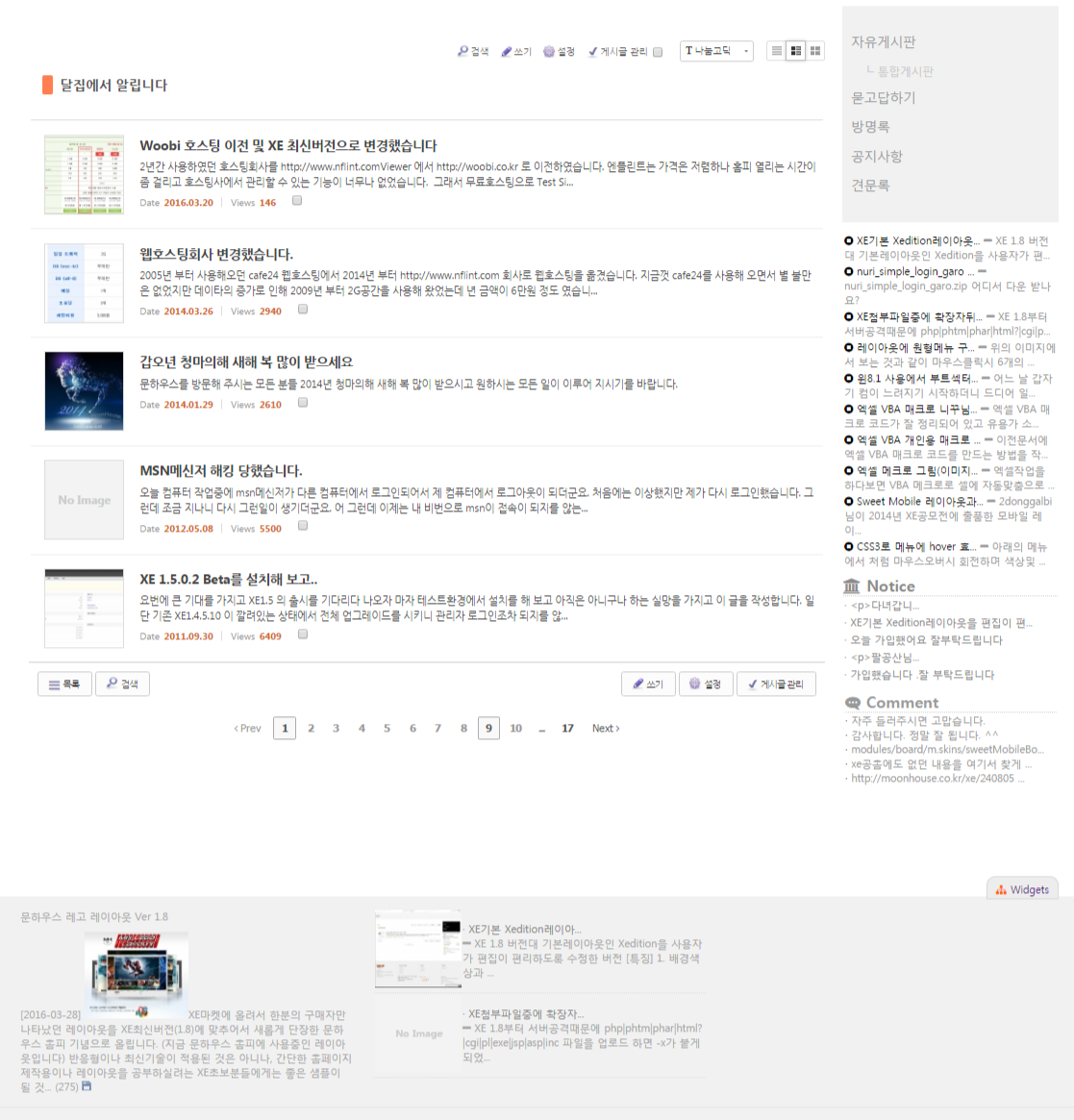
[원본소스]
[수정코드]
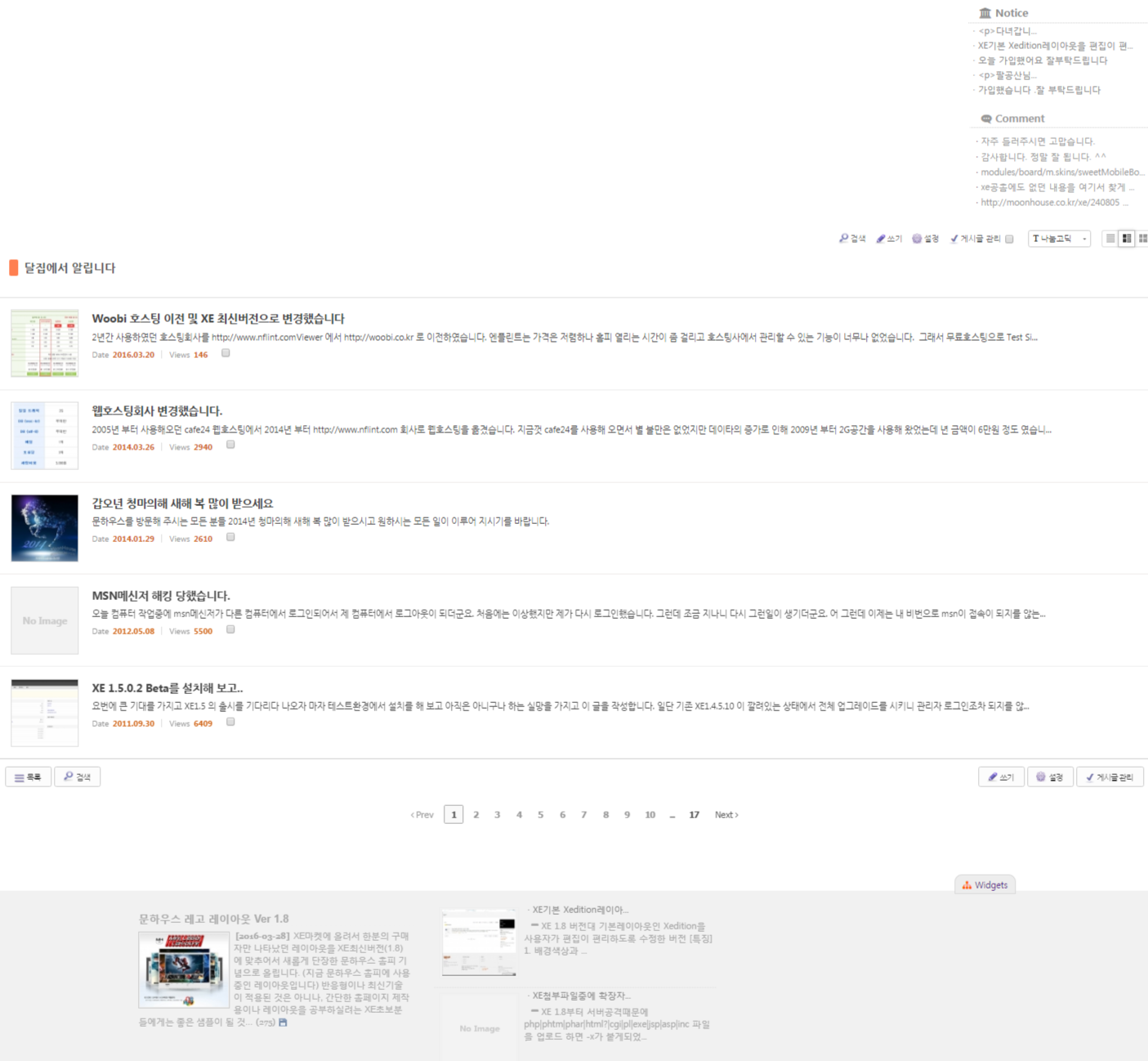
위의 이미지를 보시면 wing부분의 위젯과 하단부분의 위젯들의 모양이 달리 보입니다.
레이아웃의 css를 수정할수 있는 방법이 있는지 아님 위젯소스중에 특별히 지정해야 하는 부분이 있는지 질문드립니다.





![001.png [File Size:426.1KB/Download:10]](/files/download/link/680284/3a0d94d5857691ef76686cff303cc594/001.png)
![002.png [File Size:316.2KB/Download:10]](/files/download/link/680285/29cd2040d38c7f65e862ee32088b33a1/002.png)
댓글 5
@media all and (max-width: 479px) { body, html { min-width: 100%; }를 해석하자면
화면 크기가 479px 이상일 경우 body, html의 min-width가 100%가 됩니다.
content 영역의 너비가 body의 영향을 받는 것 같은데, 좀 더 구체적인 설명이 있어야 답을 찾을 수 있지 않을까 싶네요.
/* Scroll to top link */
.btn_top {
display: none;
position: fixed;
right: 0;
bottom: 57px;
z-index: 1000;
width: 48px;
height: 48px;
background-color: #555;
font-size: 24px;
color: #fff;
text-align: center;
opacity: 0.8;
filter: alpha(opacity=80)
}
.btn_top:hover {
background-color: #cda25a;
color: #fff;
text-decoration: none;
opacity: 1;
filter: alpha(opacity=100)
}
.btn_top i {
line-height: 48px
}
.swiper-container {
height: 600px;
font-family: Raleway, '나눔바른고딕', NanumBarunGothic, ng, '돋움', Dotum, AppleGothic, Helvetica, serif;
}
.swiper-container > div > div {
display: table;
height: 600px;
color: #fff;
background-size: cover;
}
.swiper-container > div > div > div {
display: table-cell;
vertical-align: middle;
}
.swiper-container > div > div > div > div {
width: 1200px;
margin: 0 auto;
}
.swiper-container h1 {
font-weight: 700;
margin: 0 0 19px 0;
font-size: 60px;
line-height: 70px;
text-decoration: none;
}
.swiper-container p {
font-size: 20px;
line-height: 22px;
}
.swiper-button {
position: absolute;
top: 50%;
display: none;
margin:-25px 0 0 0;
}
.swiper-container:hover .swiper-button {
display: block;
}
.swiper-button.left {
left: 20px;
}
.swiper-button.right {
right: 20px;
}
.swiper-button i {
width: 50px;
line-height: 50px;
text-align: center;
font-size: 24px;
color: #fff;
}
.swiper-button button {
background-color: #333;
border-radius: 50px;
background-color: rgba(0, 0, 0, 0.2);
cursor: pointer;
}
.swiper-pagination {
position: absolute;
left: 0;
text-align: center;
bottom: 5px;
width: 100%;
}
.swiper-pagination-switch {
display: inline-block;
width: 10px;
height: 10px;
border-radius: 10px;
background: #fff;
opacity: 0.6;
margin: 0 3px;
cursor: pointer;
}
.swiper-active-switch {
background: #fff;
opacity: 1;
}
@media all and (max-width: 479px) {
body, html {
min-width: 100%;
}
a.btn_top {
display: none;
}
위의 코드가 기존 css안에 들어 있는 일부입니다.
제가 보니 빨간색의 { 부분이 닫히지를 않았네요.
그래서 제가 이리도 닫아보고 저리도 닫아봐도 정상적으로 작동을 안하네요 ㅠㅠ
근데 문법에 맞게 정상적으로 닫아주니 레이아웃자체가 문제가 생기네요. -- 정식릴에 있는 기본 레이아웃인데ㅠㅠ
그리고 XE Town레이아웃도 xedition레이아웃을 기본으로 수정한 것 같은데...
근데 이상한게 문법에 맞지를 않게 해 놓았는데 어떻게 작동을 했을까요??
앗! 저의 실수...
닫는 코드가 제일 아랫부분에 있는 것을 제가 실수로 지웠네요.
.swiper-container p { font-size: 14px; line-height: 18px; }
}
이것 때문에 하루를 고생했네요ㅠㅠ